
the cabin game Tools Hub
Settings recipes, hardware checks, and a clue log that the in-game tutorial does not replace.
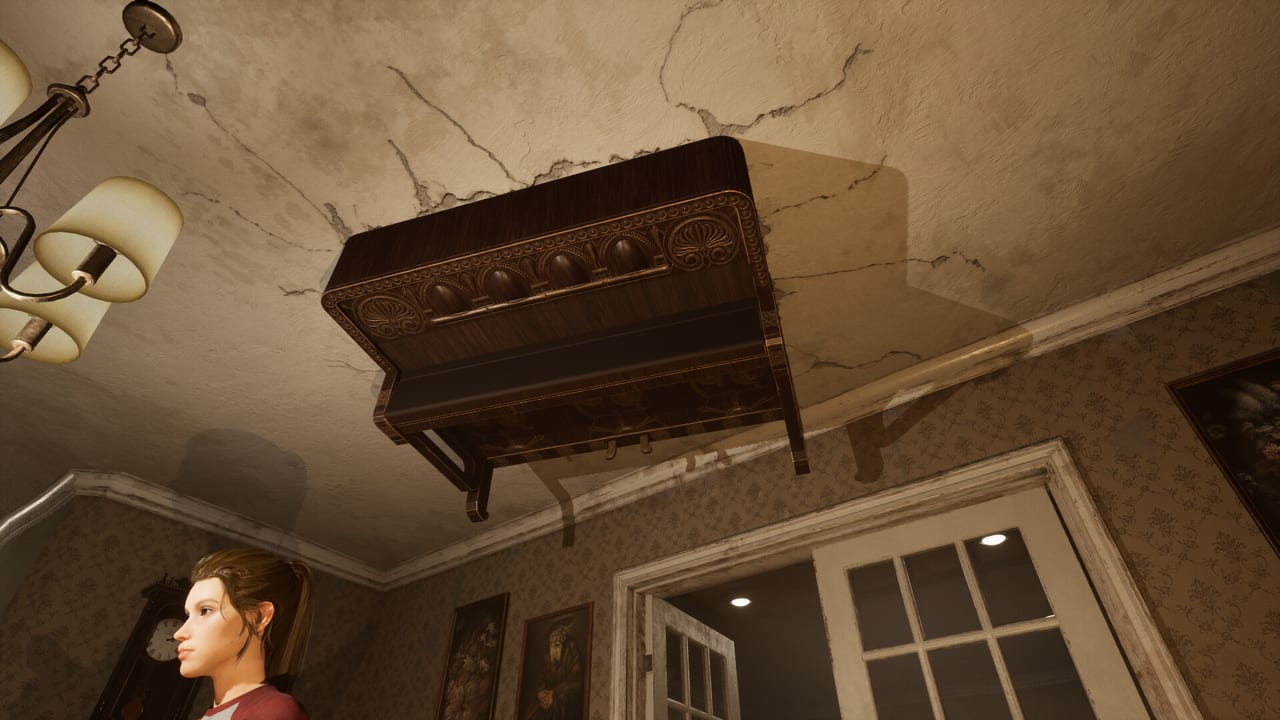
This hub is the practical layer of the wiki. Guides teach you how a run is supposed to feel. Updates tell you what Twisted Corridor changed. Tools answer the session-killing questions: why the clock is louder than the monster, whether your PC matches the Steam spec, and how to write down a clue that only exists on one object in one room.
the cabin game entered Early Access on 27 August 2026. The loop is 1–4 online co-op or solo, English interface and full audio, 30+ cards, twelve monsters, and a Boo Factory that spends candy. None of that is enjoyable if the mix is wrong, the frame time spikes in the forest, or the party forgets which cabinet actually held the tell. Use these pages before you host, not after the third wipe.
Pages in this hub
- Settings and performance — separate clock slider, Low graphics, VSync off, the FPS cap that now applies, photosensitivity strobes, extra gameplay tips, and sitting camera rotation.
- System requirements — Windows 10/11 64-bit minimums (i5 or new-gen i3, 8 GB RAM, GTX 970, DirectX 11, 16 GB storage) and the recommended line (i7, 12 GB, GTX 3060, DirectX 12).
- Clue notebook and evidence — how to log object-dependent clues when the in-game tutorial leaves you stalling, plus a pointer to the clue hunting guide.
- Boo Factory — candy for character cosmetics, lobby pets, and tricks ‘n treats; expanding store, Halloween and Christmas plans, and why you should not grief a first learning run.
Join codes are lobby invites, not redeem strings — that dictionary is the Codes Hub. Open settings first if you already own the game. Open system requirements first if you are still on the Steam page. Open the notebook first if your last run died because nobody wrote the object down. Open the Boo Factory first if someone is about to spend candy on a treat during a learning run.
Why tools sit next to patches
The First Round Patch is half a tools patch. It added a separate ticking-clock slider, made the max FPS setting apply, let you rotate the camera while sitting, and printed more gameplay tips. If you skip this hub, you will keep using the old workarounds: master volume at 20 percent, VSync on “because tearing,” and a paper note that only says “bathroom?”
Other pain is not a settings issue. Neighbour crashes belong in an in-game report and on the official Discord. Solo time-skip spam is a habit. A missing language is a roadmap item. This hub will not pretend a graphics preset fixes a crash, and it will not pretend a notebook replaces a future unique progress card.
Session checklist
Before a 1–4 player night:
- Confirm Steam applied the latest build. If the clock has no dedicated slider, you are behind.
- Set the clock fader below the rest of the game, not instead of it. Details on the settings page.
- Cap FPS to a number your GPU can hold, then try VSync off. Player reports still prefer Low while Early Access hitching exists.
- Read the photosensitivity warning out loud if anyone at the table is sensitive to strobes. The cabin strobes.
- Leave gameplay tips on until the table can name popcorn balls, droppable totems, and attic sprints without a prompt.
- Put a shared note in chat or on paper using the clue notebook format: room, object, card that revealed it, who saw it.
- Bind-check on the control layout so nobody is learning crouch in a chase.
After a wipe, do not only write the monster. Write whether the clock hid the tell, whether a drawer froze an AI, whether a time-skip was panic. Those notes tell you if you need this hub again or the Guides Hub.
How tools connect to the rest of the wiki
New players should still start on the beginner walkthrough. This hub assumes you can reach the card table. Rankings on the card list assume you can hear events. Player roles assume one person can actually look at a cabinet while another calls. If your mix or your GPU is the real boss, those pages will feel unfair.
Hardware anxiety belongs on system requirements. The store lists a GTX 970 as minimum and a GTX 3060 as recommended. Storage is 16 GB on both lines. DirectX 11 is the minimum path; DirectX 12 is the recommended path. If you are under spec, Low + VSync off is the experiment, not a miracle.
Candy, pets, and tricks ‘n treats live in the Boo Factory. A hat still does not raise frame rate, shove the monster pawn, or identify the escape room. Do not grief a first learning run with treats — that rule is on the Factory page and on Co-op. Do spend ten minutes here so the next escape attempt is limited by cards and layout, which is the game Twisted Corridor is actually iterating on. When you need store links, Discord, or email, use the Links Hub. When you need the 6–8 month Early Access picture, use the Early Access FAQ. Halloween and Christmas yearly events will restock that Factory; the roadmap is the list, not a calendar.
Frequently Asked Questions
Quick answers about cards, clues, monsters, and escaping the cabin.
I own the game. Which tool page do I open first?
Start with settings and performance and find the separate clock slider. Then confirm max FPS applies. Specs only matter if the session still hitching after that.
Does this hub replace the clue tutorial?
No. The in-game tutorial is still thin. Use the clue notebook plus the clue hunting guide until a later patch teaches better.
Will a settings recipe stop neighbour crashes?
No. That is a live bug report, not a preset. Send it in-game or on the official Discord. Settings can only fix mix, frames, and strobe exposure.
Are these tools for solo and co-op?
Yes. Clock, graphics, and specs apply to both. The notebook matters more in co-op because four memories will disagree, and more in solo because nobody else saw the object.
Is the Boo Factory a gameplay tool?
No. Candy buys cosmetics, lobby pets, and tricks 'n treats. It does not move the clock. Use the Boo Factory page so you do not treat a hat like a perk, and Co-op before you grief a learning run.